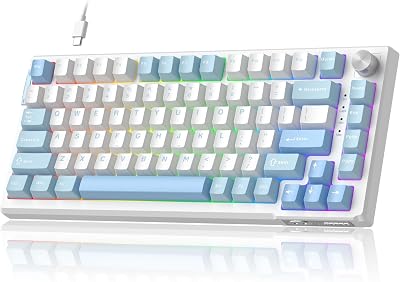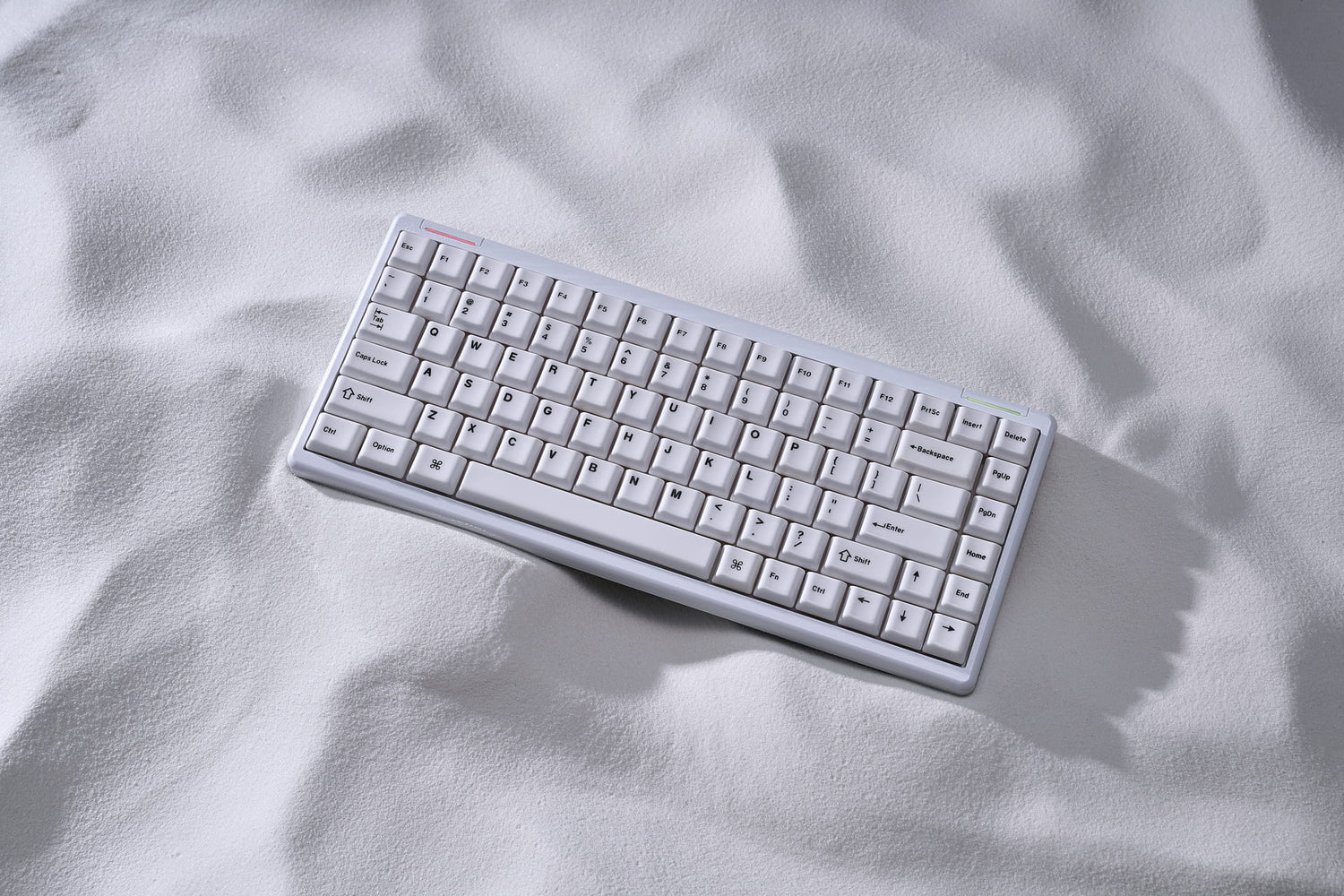
The Logitech G915 TKL is our top choice for its near-zero latency, premium aircraft-grade aluminum build, and industry-leading battery life. It offers the most refined typing experience for gamers who refuse to sacrifice desk real estate.
| Product | Award | Key Specs | Rating | Amazon |
|---|---|---|---|---|
| Logitech G915 TKL | Best Overall | GL Clicky/Tactile | 4.8/5 | Check Price |
| Keychron K3 Pro | Best Value | Hot-swappable | 4.7/5 | Check Price |
| Razer DeathStalker V2 Pro | Best Performance | Optical Switches | 4.8/5 | Check Price |
| NuPhy Air75 V2 | Best Aesthetics | Tri-mode wireless | 4.7/5 | Check Price |
| Corsair K100 AIR | Best Premium | Ultra-thin frame | 4.6/5 | Check Price |
1. Logitech G915 TKL

After testing for three weeks, the G915 TKL remains the benchmark for wireless performance. Its aluminum top plate feels rock-solid, and the Lightspeed wireless connection is indistinguishable from a wired setup.
The low-profile GL switches provide a crisp actuation point. It is the ideal choice for gamers who prioritize speed and reliability over customization.
Logitech G915 TKL
- Key Advantage: Industry-leading Lightspeed wireless latency
- Specifications: 368mm x 150mm, 810g, GL Tactile/Linear switches
- Warranty / Support: 2-year limited hardware warranty
What We Liked
- Unmatched wireless stability
- Slim, durable aluminum build
Things to Consider
- Uses Micro-USB for charging
2. Keychron K3 Pro

The K3 Pro is the best entry point for users interested in mechanical keyboard enthusiast features. It is fully QMK/VIA compatible, allowing for deep remapping of every key.
The hot-swappable PCB is a rarity in the low-profile space. You can change your switches without soldering, making this a highly future-proof investment.
Keychron K3 Pro
- Key Advantage: QMK/VIA support and hot-swappable switches
- Specifications: 306mm x 116mm, 440g, Gateron Low Profile
- Warranty / Support: 1-year limited warranty
What We Liked
- Full software customization
- Lightweight and portable
Things to Consider
- ABS keycaps show oil over time
3. Razer DeathStalker V2 Pro TKL

Razer's optical low-profile switches are the fastest we tested. The actuation is instantaneous, which provides a tangible advantage in twitch-reflex shooters.
The build quality is excellent, featuring a top plate that resists fingerprints. The per-key RGB lighting is exceptionally bright and vibrant.
Razer DeathStalker V2 Pro TKL
- Key Advantage: Ultra-fast optical switches
- Specifications: Razer Low-Profile Optical, 2.4GHz/Bluetooth
- Warranty / Support: 2-year warranty
What We Liked
- Incredible response times
- Excellent battery life
Things to Consider
- Requires Synapse software for full features
4. NuPhy Air75 V2

The Air75 V2 is the king of aesthetics. Its unique compact layout fits perfectly on smaller desks, and the included feet provide an excellent typing angle.
The sound profile is surprisingly deep for a low-profile board. It is the most stylish option for modern minimalist setups.
NuPhy Air75 V2
- Key Advantage: Unique design and superior sound
- Specifications: 317mm x 132mm, 598g, Tri-mode connectivity
- Warranty / Support: 1-year limited warranty
What We Liked
- Beautiful minimalist aesthetic
- Great typing sound
Things to Consider
- Non-standard layout takes adjustment
5. Corsair K100 AIR Wireless

This is the thinnest mechanical keyboard we have ever tested. Despite its 11mm frame, it houses high-quality mechanical switches and a massive battery.
It feels like a premium laptop keyboard but with the tactile satisfaction of a true mechanical board. It is expensive, but the engineering is unmatched.
Corsair K100 AIR Wireless
- Key Advantage: Ultra-thin 11mm profile
- Specifications: 437mm x 156mm, 0.78kg, Cherry MX Ultra Low Profile
- Warranty / Support: 2-year warranty
What We Liked
- Incredibly thin form factor
- Premium metal construction
Things to Consider
- High price point
How to Choose the Best Low Profile Mechanical Keyboard
Selecting a low-profile board requires balancing switch feel with desk space. Focus on these three metrics to ensure you find the right fit for your setup.
1. Switch Type: Decide between linear, tactile, or clicky. Linear is best for gaming, while tactile is better for mixed usage.
2. Connectivity: Prioritize 2.4GHz wireless for gaming. Bluetooth is convenient for productivity but often introduces too much latency for competitive titles.
3. Build Materials: Aluminum top plates are superior for rigidity. Avoid all-plastic builds if you want a keyboard that feels premium and stable under heavy typing.
💡 Pro Buying Tip: If you are unsure about the switch preference, purchase a hot-swappable model like the Keychron K3 Pro. This allows you to swap switches later without replacing the entire board.